Adobe XD Training by Experts

;

Our Training Process

Adobe XD - Syllabus, Fees & Duration

Section 1

Creating New Files & Designing on a Grid
  • Creating a new file
  • Setting up artboards
  • Importing text
  • Creating colored backgrounds for text
Importing & Cropping Photos
  • Importing a photo as an image fill (crop a photo)
  • Rounding corners
Vector Graphics, Colors, Shadows, & More
  • Importing & modifying vector graphics
  • Aligning & distributing layers
  • Layer opacity vs. fill opacity
  • Reusing colors (color swatches)
  • Adding a drop shadow
Character Styles
  • Creating & Editing Character Styles

Section 2

Repeat Grids
  • Creating a Repeat Grid
  • Customizing the content
  • Adjusting the design
Components (Reusable Elements)
  • Creating & editing components
  • Overriding content in one instance vs. globally updating all components
  • Detaching from a component
  • Components versus Repeat Grids
Turning a Design into a Clickable Prototype
  • Linking between artboards Previewing the prototype Creating an overlay Background blur Fixing the position of elements so they don’t scroll Making a recording of a prototype
Exporting Assets for Web: SVG, JPEG, & PNG
  • Exporting individual assets Exporting artboards
Sharing XD Files (For Review, Developers, etc.)
  • Sharing an XD file Commenting on shared files Pinning a comment Updating an existing shared file Sharing for Development

Section 3

Stacks, Padding, & Responsive Resize
  • Creating a Stack & Adjusting the Spacing Rearranging & Adding Items to a Stack Responsive Resize, Stacks, & Padding Keystrokes for Working with Stacks & Padding Nesting Stacks (Stacks Within Stacks)
Linking Up/Down a Page & Scrollable Areas
  • Making Links that Scroll Up/Down a Page Making the Navbar Fixed to the Screen Adjusting the Position & Speed of the Scroll Creating a Scrollable Area Within a Page
Intro to Auto-Animate
  • The Basics of Auto-Animate Different Kinds of Easing Adding a Timed Animation
Parallax Animation
  • Setting Up the Parallax Assets
  • Building the Parallax Animation
Component States (Hover & More)
  • Adding a Hover State to a Button
  • Custom Component States

Section 4

Creating 3D Transforms
  • Adding 3D Transforms
  • Front to Back versus Z Position
Adding Interactions to a Slideshow: Tap, Drag, & Keys
  • Creating a Working Slideshow Prototype
  • Adding Tap Interactions
  • Adding the Ability to Drag
  • Adding Keystrokes
Time Interactions & Adding Audio (Sound Effects)
  • Adding a Drag Interaction
  • Adding a Time Interaction
  • Adding a Sound Effect
  • Adding a Keystroke
Linked Components & Shared Libraries
  • Linked Components
  • Shared Libraries

Download Syllabus - Adobe XD
This syllabus is not final and can be customized as per needs/updates
 
10000+
20+
50+
25+

Adobe XD Jobs in Piacenza

Enjoy the demand

Find jobs related to Adobe XD in search engines (Google, Bing, Yahoo) and recruitment websites (monsterindia, placementindia, naukri, jobsNEAR.in, indeed.co.in, shine.com etc.) based in Piacenza, chennai and europe countries. You can find many jobs for freshers related to the job positions in Piacenza.

  • Graphic Designer
  • UX/UI Designer
  • Digital Marketing Executive
  • UI/UX Artist
  • Freelance Graphic Designer
  • Ui/ux Mobile Designer
  • Adobe XD Web Design
  • UI/UX Front End Developer
  • Ux Designer
  • Website Designer

Adobe XD Internship/Course Details

Adobe XD internship jobs in Piacenza
Adobe XD It supports vector style and web site wireframing and manufacture easy interactive click-through prototypes. Adobe Xd adds visible acceleration into your work because it's the very lowest tool. Our Live online Adobe XD courses give you with a little organization course that you simply might take from every place with a high-speed internet connection. one among the most fascinating examples is one referred to as Repeat Grid, which permits you to simply copy repeatable elements of an interface, the same as tables or lists, and doesn’t consume plenty of system resources. Adobe XD is needed for designers to form stunning prototypes, UI/UX styles, websites, etc. Nestsoft helps you to attain job oriented coaching on Adobe XD to boost your design career. Our institute offers one of the wonderful Adobe XD courses. Adobe XD have several advantages like simple, versatile wireframing, website and app prototypes are simple to make, web site and app prototypes area unit simple to make, website and app prototypes are simple to make, Advance planning tools, designing and navigating artboards is visibly quicker than Photoshop, Connects well with the Adobe library and different applications, etc. you'll be able to use it to share feedback quickly or raise queries directly within the project by using a built-in commenting feature of xd thus your project's sensible speed by providing you with definite choices. Tools implemented in Adobe XD build interface style incredibly economical.




Meet a Few of our Industry Experts 🚀 Your Pathway to IT Career

Albin

Mobile: +91 89210 61945
Location: Online (Piacenza, Italy)
Qualification: BCA

Experience: 1 year and 3 month experience in manual and automation testing  more..

sneha

Mobile: +91 8301010866
Location: Online (Piacenza, Italy)
Qualification: Bca

Experience: Can teach code org scratch python basics java html SQL Oracle sql-11g plsql oracle  more..

Umaira

Mobile: +91 8301010866
Location: Online (Piacenza, Italy)
Qualification: B. E computer science

Experience: I am an innovative Front End Developer and Wordpress with 4 years experience building and maintaining responsive websites in the  more..

Ruby

Mobile: +91 94975 90866
Location: Online (Piacenza, Italy)
Qualification: M.Tech (CSE- specialization in data science)

Experience: Figma tableau ML python html css javascript nextjs wordpress etc  more..

Kamesh

Mobile: +91 94975 90866
Location: Online (Piacenza, Italy)
Qualification: BE-ECE

Experience: Accomplished Software Tester with 3 2 years of hands-on experience in manual and automation testing Extensive experience in test automation  more..

om

Mobile: +91 91884 77559
Location: Online (Piacenza, Italy)
Qualification: Intermediate

Experience: Kotlin android developement c++ data stuctures and algorithms jetpack compose  more..

Gopika

Mobile: +91 98474 90866
Location: Online (Piacenza, Italy)
Qualification: MCA

Experience: Manual testing bug tracking project coordinator  more..

Dnyaneshwar

Mobile: +91 98474 90866
Location: Online (Piacenza, Italy)
Qualification: BE E& TC

Experience: Palo alto firewall ccna course vlan VTP ipsec ip tcp switch &router configuration |   more..

Naimesh

Mobile: +91 94975 90866
Location: Online (Piacenza, Italy)
Qualification: Graduate

Experience: Adobe creative suite Html wordpress  more..

Sai

Mobile: +91 9895490866
Location: Online (Piacenza, Italy)
Qualification: B.tech (C.S.E)

Experience: Experience In Training students one to one and also group Experience in Training students on real time projects for WordPress  more..

Lakshman

Mobile: +91 94975 90866
Location: Online (Piacenza, Italy)
Qualification: MBA

Experience: Good knowledge of MS office Tally ERP-9 and oracle ERP My experience 2 months in teaching and 2 months in  more..

Muhammad

Mobile: +91 8301010866
Location: Online (Piacenza, Italy)
Qualification: Bca

Experience: Manual testing SDLC STLC agile methodology scrum methodology testcase preparation levels of testing j meter post man problem solving decision  more..

Ankita

Mobile: +91 98474 90866
Location: Online (Piacenza, Italy)
Qualification: Graduate

Experience: 1 Year Experience of Data entry Diploma in computer basics Basic knowledge of programming   more..

Gautam

Mobile: +91 91884 77559
Location: Online (Piacenza, Italy)
Qualification: BCA

Experience: C C++ python My SQL Proficiency in Website builder like wix and shopify I have build an website using Wix  more..

SHRIKANT

Mobile: +91 98474 90866
Location: Online (Piacenza, Italy)
Qualification: Master Degree 'MBA' (Operation field)

Experience: Skills: ✓ Sap MM ✓ Advance Excel (Pivot table MIS Vlookup) ✓ Typing 30w p m & 40w p m  more..

PRIYA

Mobile: +91 94975 90866
Location: Online (Piacenza, Italy)
Qualification: MCA

Experience: I am a MCA Graduate I am interested to work as a junior Php developer  more..

Diya

Mobile: +91 9895490866
Location: Online (Piacenza, Italy)
Qualification: B. Tech, ECE

Experience: Good in C C++ programming beginner level python and Java knowledge Web designing basics  more..

Renu

Mobile: +91 8301010866
Location: Online (Piacenza, Italy)
Qualification: Masters

Experience: I am currently pursuing a Master of Science in Computer Science at Liverpool John Moores University specializing in software development  more..

Success Stories

The enviable salary packages and track record of our previous students are the proof of our excellence. Please go through our students' reviews about our training methods and faculty and compare it to the recorded video classes that most of the other institutes offer. See for yourself how TechnoMaster is truly unique.

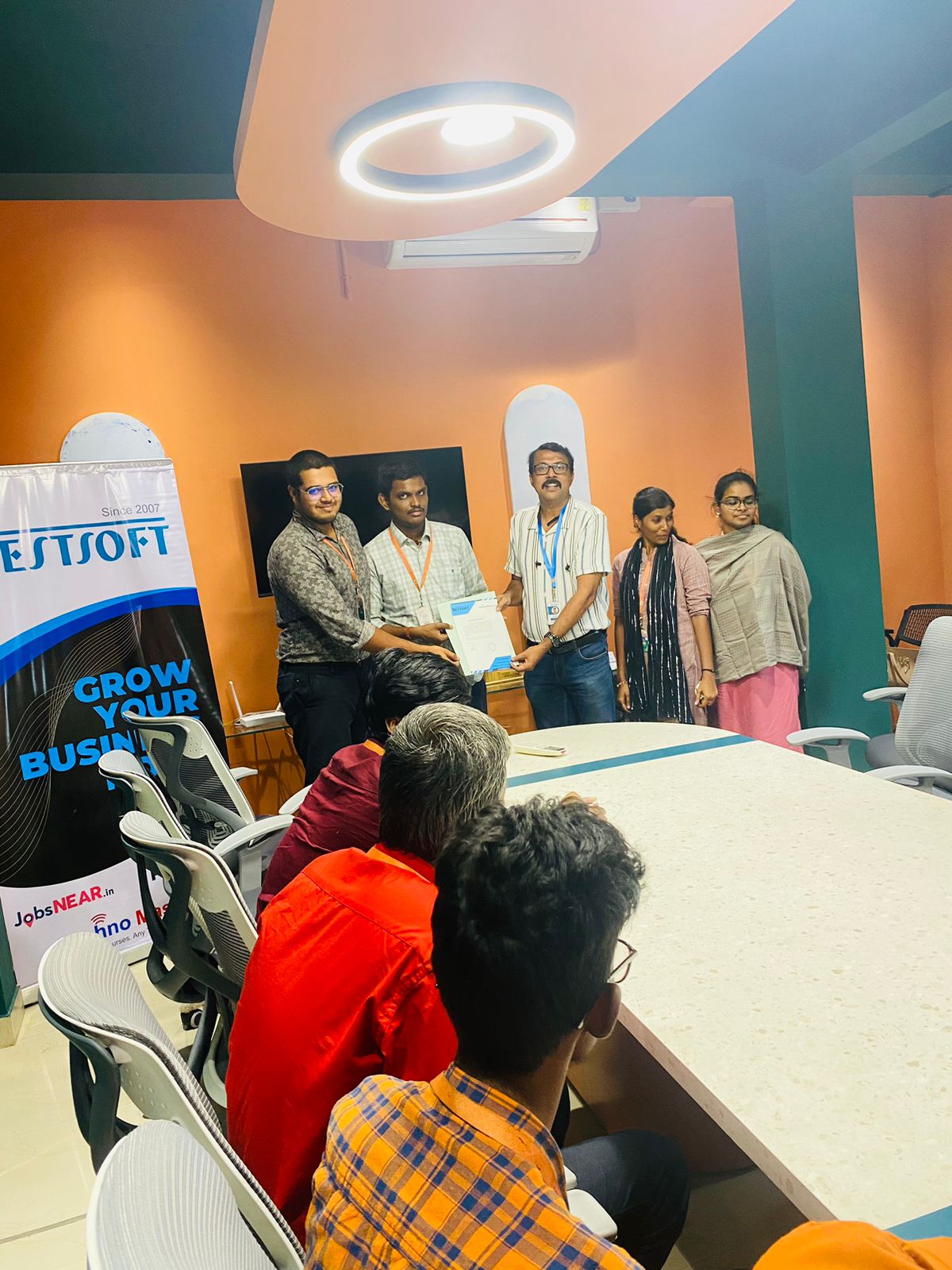
Photos of Training / Internships

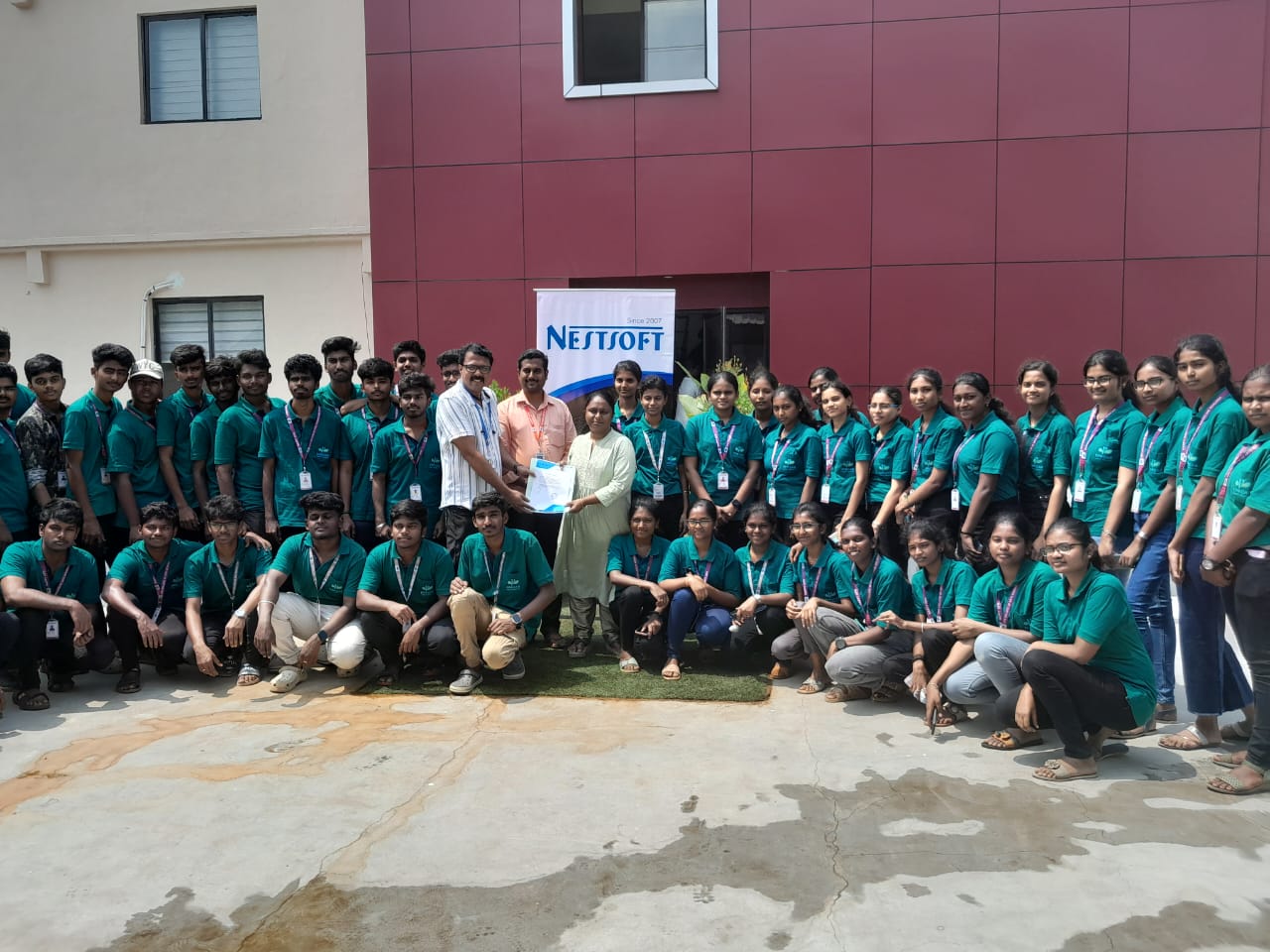
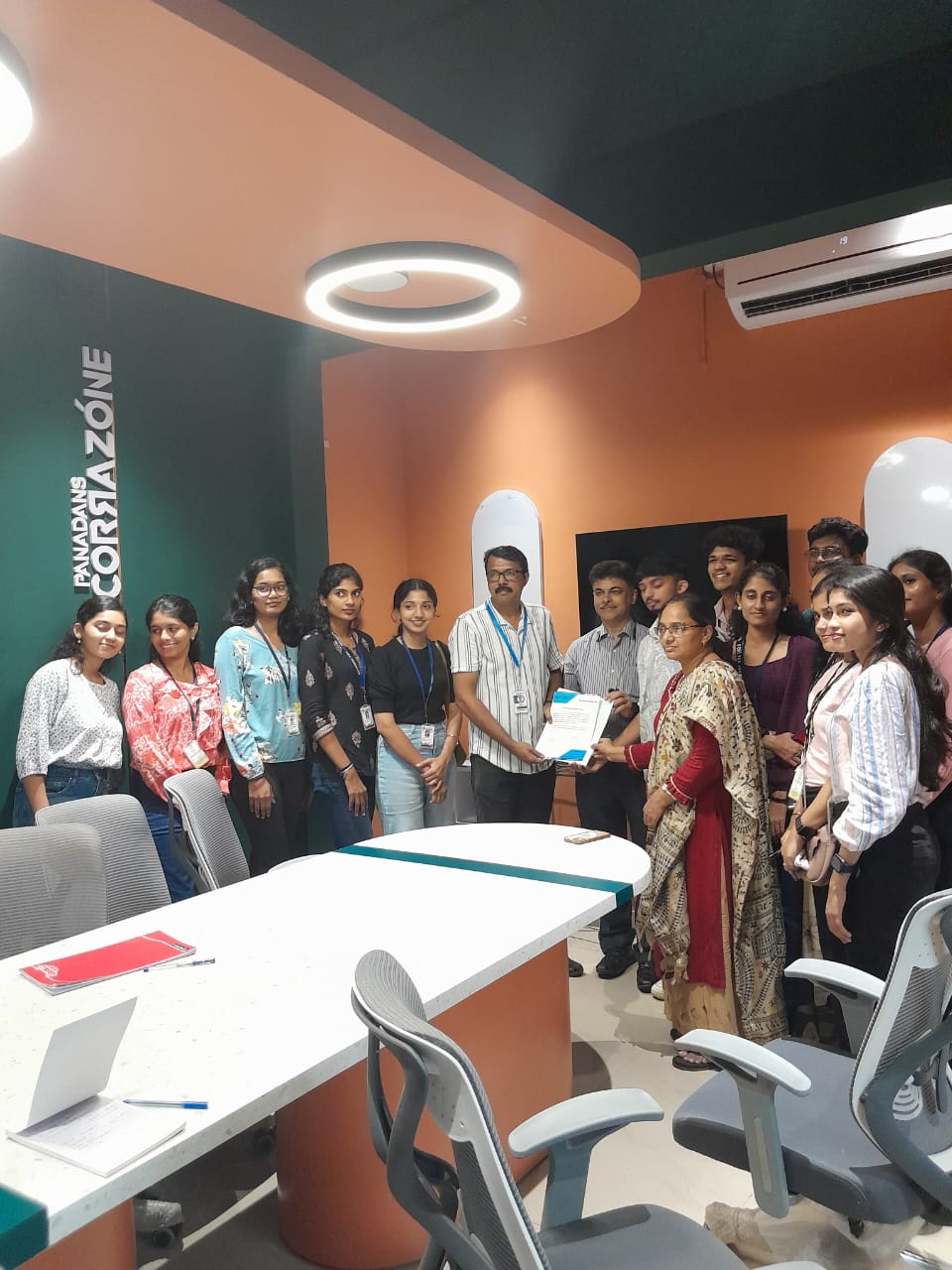
Internship/projects in piacenza

Trained more than 10000+ students who trust Nestsoft TechnoMaster

Get Your Personal Trainer